
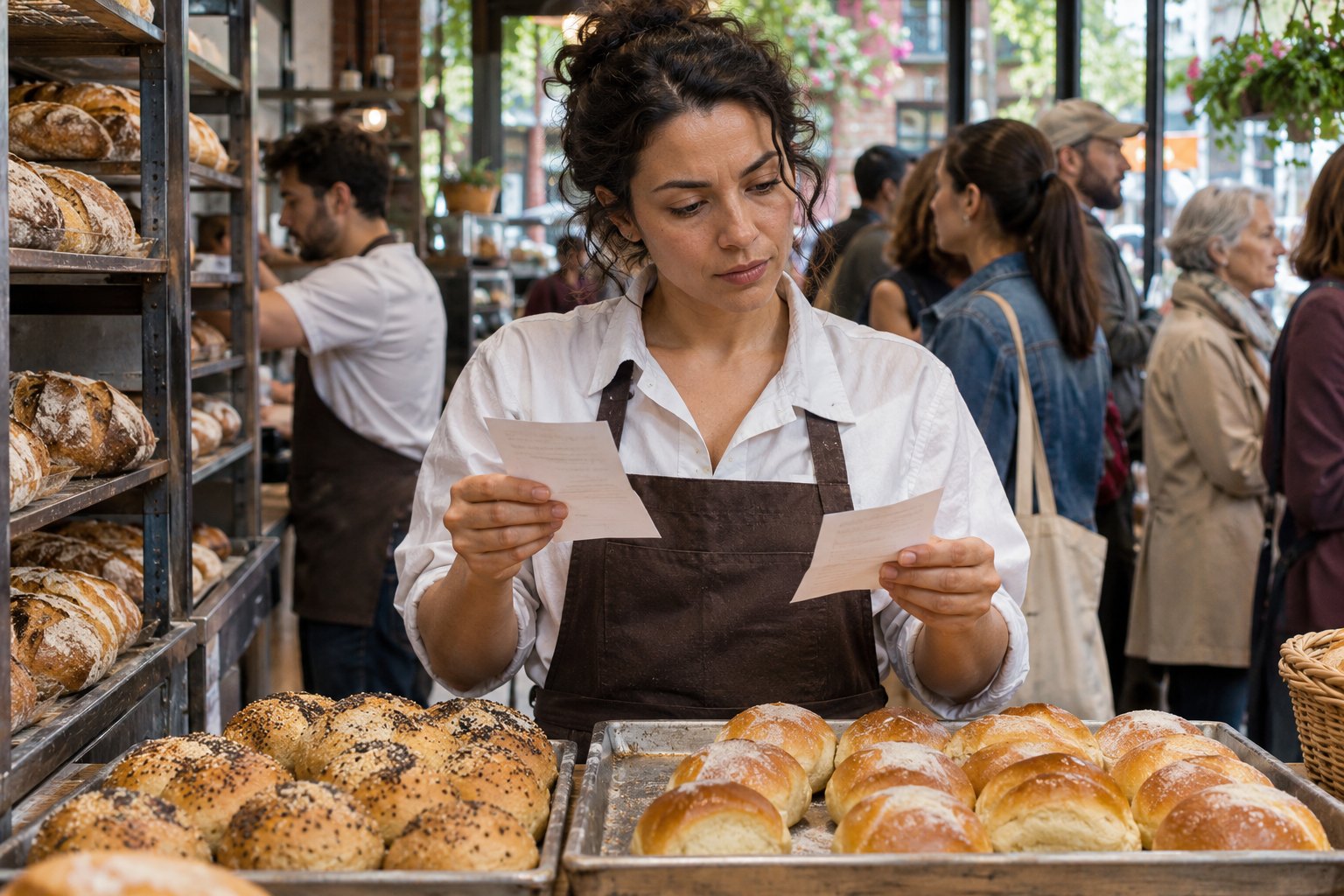
Hearth Loop, a fictional neighbourhood bakery, sells breakfast boxes for collection between 07:30 and 11:00. It already takes occasional telephone orders and keeps slips clipped to a board. On Saturdays, customers queue to ask which bags are ready, while the kitchen cannot tell whether two similar slips belong to the same order. The useful question is whether an ordering system can reduce the work and uncertainty in that specific collection journey. Treat the common search for 8 reasons why you need an online ordering system as a set of operating tests. Each reason below is a result that the bakery can observe with staff and a few controlled sample orders.
This guide focuses on pickup rather than delivery or general ecommerce. The bakery leaves walk-in sales open during the trial. A phone caller can still place an order through the approved counter process, while an employee enters it against the same capacity if the business chooses to support that. The two routes should lead to consistent preparation and release evidence. Think in terms of a booking window, accepted order, prepared package and collection acknowledgement. Those are different events with different staff, so test them before adding forecasting, loyalty or a separate app.
Publish pickup capacity that employees can actually meet
Assign a known limit to a pilot window. Suppose the kitchen can complete eight breakfast boxes between 08:00 and 08:30 with the people on duty. Set aside a documented quantity for walk-ins if the manager approves. A staff member should be able to explain how many boxes remain for online orders and how a manual booking affects that number. The aim is to publish a promise the kitchen can use. An available time might also depend on how many items are in one order. Ask operators to describe their real constraint instead of assuming that one transaction always represents the same amount of work.
The Square guidance on pickup settings provides one example of a platform addressing pickup options. Check the settings and limitations in the actual product under consideration. A bakery might choose lead time, hours and a capacity rule that fit the site. Test a set of simultaneous submissions for the final available quantity and verify the accepted total against the kitchen list. A control is valuable when staff can tell how the displayed slot relates to their supported process. Count any exceptions under the authorised test agreement.
| Situation | Counter view | Evidence to preserve |
|---|---|---|
| Normal group of orders | Start time, package count and collection reference | Accepted totals and specific promise |
| Last capacity requested twice | One accepted order and a clear result for the other attempt | Which quantity was allocated and when |
| Previously accepted pickup changes | New agreed time and latest actionable order | Effective revision and customer communication |
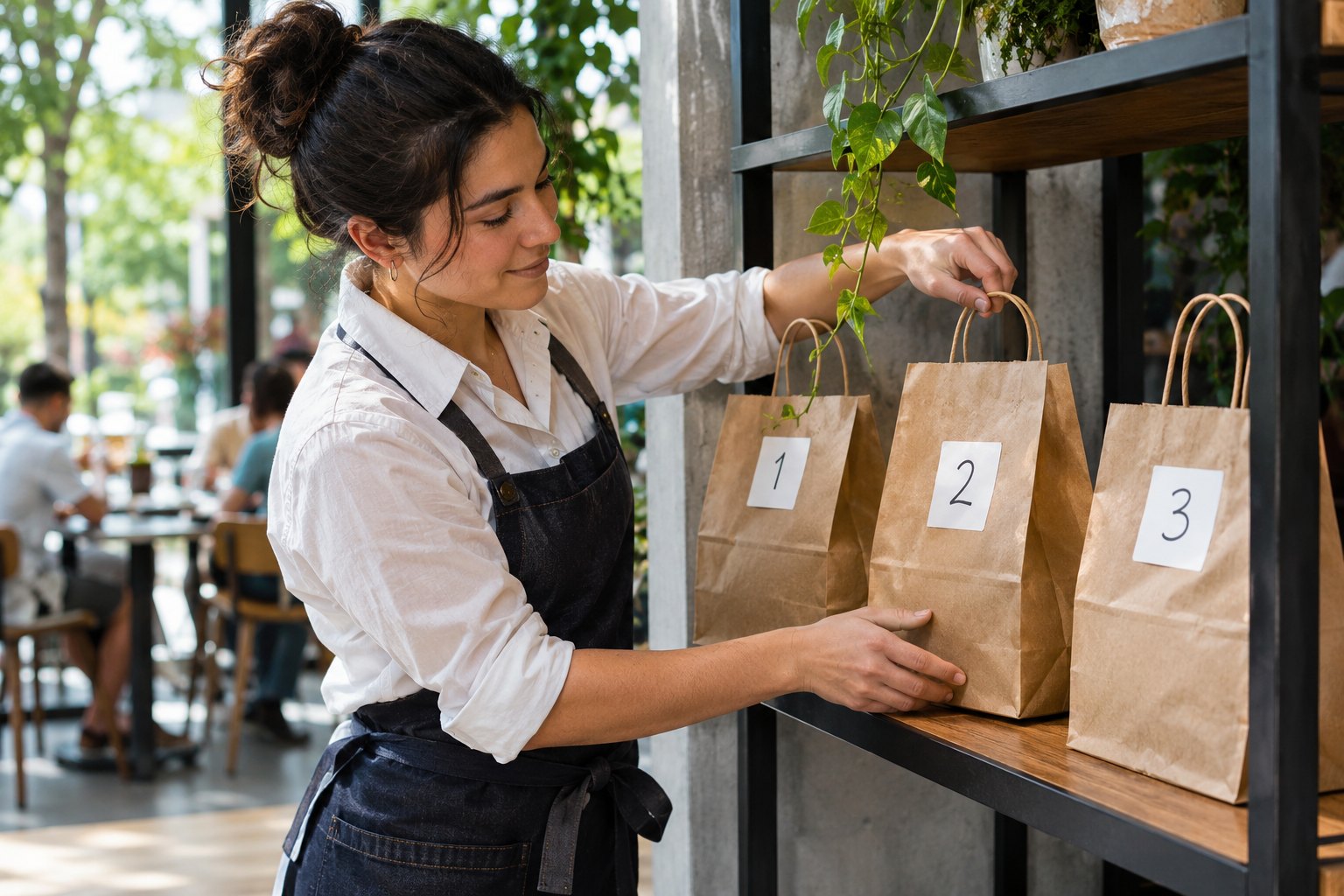
Exercise a delay that occurs after the first orders are accepted
Suppose an oven needs an approved break, reducing the next window. Name the person who can pause new orders or revise an operating limit. The original accepted pickups continue to need attention. The app can show which customers need a decision under the bakery's policy and which already arranged a different time. Make the correction with a narrow scope and document its outcome. Observe whether the worker on the next shift can see why the published capacity changed. A useful pilot protects accepted orders and prevents additional promises that staff cannot keep.
Give the customer a reference that survives ordinary interruptions
A successful payment event and a ready-to-collect package are different facts. The customer needs to know when an order was accepted and how to identify it. In the fixture, generate two orders with the same surname and two consecutive collection times. The confirmation should show the applicable store, date, window and reference. A counter employee should find the right order if the customer presents only the readable part of the confirmation or uses the normal support process. Keep the reference visible through approved follow-up messages so people do not have to quote their full order aloud.
Verify the result after a delayed response
Set up a test in which the phone loses reception immediately after the submit action. Provide one outcome in which the order was accepted and one in which it was never recorded. Ask the tester to find a supported way to continue in each case. Staff should be able to check the original attempt and find the applicable result. A new attempt should not add a second kitchen preparation task or another capacity reservation by mistake. Review whether a paid but unrecognised operation reaches the correct owner. Give the trainee a reference they can handle without asking the customer to act repeatedly.
Convert menu choices into preparation instructions staff can use
List the breakfast items that require a variation in prep. A customer might choose one of two drinks or request an approved packaged selection. Check which information the kitchen needs and which belongs to the counter record. Design the approved labels with the people making the boxes. In the first trial, give the cooks two similar orders with different choices and let them pack each accurately from the work view. Test a shortened name that could obscure the variation. A menu feature saves time if the kitchen can recognise the accepted item consistently, without translating a generic code while work is queued.
Keep ordering information tied to the version staff accepted. If a manager edits a description later, a historical box can still require the earlier selections. Set up a case where the customer removes a drink before the cut-off. The worker checks which version to prepare and how the new work affects available stock. Add a separate case with a requested change after preparation starts. Define how a person can accept or decline it under the business procedure. The original order should retain evidence of what was promised. Use synthetic menu descriptions and approved rules to test the product, leaving dietary and safety decisions to the qualified business.
Arrange collections by a useful queue
Ask the counter team how they already sequence work. They may separate early and late arrivals or group finished orders by approved shelf location. A digital view can show upcoming pickups, items under preparation and boxes ready for release. Decide what appears in a given role. The baker may need the selected variations and total workload. The counter employee may need the reference, number of packages and the planned collection. Run a trial with two boxes ready and a third still being checked. Ask the employee to explain why one customer's collection follows a different route rather than telling everyone the same waiting time.
Make the ready check belong to a clear person
Have a kitchen worker mark a box complete and a counter worker acknowledge it against the agreed shelf. These steps can remain separate when the teams need to see whether an item is prepared or physically at the counter. Test a box put on the wrong shelf. The person should locate the right reference and correct the association under the ordinary procedure without changing what the customer ordered. Provide evidence about the location staff last confirmed. Add a simple way to route a missing item review instead of silently changing a completed box to ready again.
Make the form intelligible on a customer's own device
Use only the questions the bakery needs for this kind of sale. A pickup choice should identify the location and local time. A missing answer should be explained in ordinary language. The W3C Web Accessibility Initiative forms tutorial covers labels, instructions, validation and notifications. Verify that customers can reach and operate each field by touch, keyboard and the assisted technology relevant to the service. Test text enlargement, a long location name and a customer correcting an initial selection. Preserve the existing answers where the process permits. The person should be able to tell which time they selected and which information still needs attention.
Use two test accounts with the same intended order but different contact preferences. Review how they learn the promised window and how they find support. Avoid putting an essential detail only in a diagram, colour or unlabelled icon. A pickup invitation from another route can lead to the same view provided the service actually preserves the location and approved options. Have someone open a bookmark saved before the bakery changed its hours. They should see the current opportunity to order, with enough context to understand why an earlier window may be unavailable now.
Shorten the handover at the counter
Give employees a handover flow that establishes the applicable customer or receipt and the actual items they released. A relative may collect under the bakery's approved procedure. Use a sample of two packages, one box and one bag. When the custodian confirms only the box, the tool should allow them to describe whether the bag is still waiting, was collected separately or needs review. Make the recorded fact readable if the customer later reports a missing item. A single order status can obscure the event the worker actually observed. Save the evidence needed for service without collecting more personal information than the procedure warrants.
Try a collection out of sequence
Give one customer a late arrival and another an early arrival. Follow the approved service response for each and check what staff can see when changing their queue. The second customer should not be marked as having collected because their name sits next to an earlier accepted order. Test a counter employee acting from a printed list while the kitchen records a change at the same time. Explain how the team confirms which version is current. A manual fallback can be useful when it is bounded, uses known references and can be reconciled later without duplicating the observed handover.
Document changes and refunds without losing pickup evidence
Use a test order for which one item can no longer be supplied. The bakery's authorised reviewer decides whether to offer an agreed alternative, split the order or use its supported refund procedure. Keep the original request, proposed change, acceptance if needed and financial evidence in suitable records. A receipt showing a partial refund does not tell the kitchen what was prepared or the counter what was delivered. The integrated product can connect those outcomes. Ask an employee to explain the new promise and the amount recognised by the approved source, using ordinary access in the pilot environment.
Then test a customer who asks to move collection to a later window. Store an approved revision and verify the capacity for both affected windows. If the change puts pressure on an existing group, route it to the person who manages capacity. The worker should receive the current instruction and retain the older promise for support where appropriate. Check the message sent to the customer and the item remaining in the kitchen queue. One accepted change is enough for proof. If the app sends an extra message or reopens a completed event, identify the source before relying on the process.
Measure the work saved from acceptance to collection
Choose counts staff can explain at the end of a Saturday. How many accepted pickups fell within an agreed window? How many needed a second customer contact? How many references were unclear at release? Define whether a cancelled transaction is included and whether reports show orders, packages or customers. A large portfolio of features is less useful than a few accurate observations. Give the manager a sample report and one known exception and ask them to trace it back to the original accepted order. Staff can use the result to decide which part of the collection line needs improvement.
Compare a real baseline with the pilot result
Choose a comparable busy window for the trial. Record elapsed service time and interruptions with the current approach, using a method staff can sustain. Re-run it with the agreed pilot workflow. Review which differences came from order volume, special preparations or additional staff. The team can then explain whether a changed outcome is due to the product or a different operating situation. If the application did not improve the measured issue, identify the most common cause from the observed work. Use that finding to decide whether to change the intake, instructions, item labels or staff role before expanding.
Set a practical boundary before changing the whole shop
The first release can cover one location, a few selected boxes and named collection windows. Assign a manager who can change capacity, a preparation owner and a counter lead. Fill the test list with a correct collection, duplicate attempt, late customer and a single changed order. Compare what staff and customers can actually verify. Record the expected outcome each time and retain the evidence it relies on. Start with the channel you can support and review the busiest accepted hour before enabling another site or a larger menu. State any assumptions about what remains manual and when that method will be tested.
Create one approved training example for a staff member who arrives halfway through the trial. They should accept a valid order, find the kitchen record, identify which package is waiting and record release at the counter. Then give them a delayed or partial case. Ask who owns the next action. If cues from the product are insufficient, update the visible labels or handover note and repeat. That process gives the bakery another practical reason to use digital ordering: work can move between trained employees without relying on a single person's memory of accepted boxes.
Bring useful evidence to an ordering-system review
Provide sample menu choices, expected collection volumes and rules for handling capacity, notifications and changes. Add an example from your actual busy period and anonymise the details. Decide which source establishes each accepted state and how staff will serve a customer when a network interruption happens. Ask the decision-maker to replay a complete sale and a partially changed one. Compare the result with the agreed pilot measures and keep the separate checks for counter, kitchen and customer. A system is ready for the next pickup window when ordinary people can use it to make the correct decisions under ordinary working pressure.
When the pilot closes, pick one change to test next. It might be a better ready notification or another pickup location. Carry forward the exact fixtures for the original shop before introducing the new difference. This helps supervisors verify that a new capability does not reopen the problem the first trial addressed. Hold a short review with the roles making and releasing orders. Ask them which facts they can now locate without a second conversation and which parts of the accepted promise still need clearer ownership. That is useful direction for the next release and a better reason to expand than the mere presence of software.
Protect the difference between a capacity change and a stock change
Use one busy bagel pickup and one scarce pastry in the pilot. The oven team could have time to make another box while the product requested is already reserved. In another case the pastry is physically available but the collection service cannot promise another order at that hour. The two conditions look different to staff. If inventory alone opens another slot, the storefront may accept work the kitchen cannot perform. If a sold-out hour hides every product for the rest of the day, later customers lose good choices. Let a test user select the same item in two different slots and verify which rule applies at the agreed decision point.
Agree how staff identify exceptions after the first release. For example, an employee can mark one online slot full while admitting a previously accepted collection. This operation needs a clear employee action and confirmation. A second person should not have to interpret a hidden store flag. Compare the accepted work and public availability before and after the change. Restore normal availability with an authorised action of its own. Save a fixture where an item has already been prepared, ensuring pickup availability changes do not remove the label or erase the customer history. That builds confidence in the operating controls beyond the initial product catalogue.
Check one ordinary failure from the customer's point of view
Give the trial user a mobile browser and a familiar collection request. Have them order for another person, change the requested time and reopen the confirmation near the door, following business policy. Give a short note saying the first batch was delayed. Observe which message they can actually read and where they can ask for a different time. Inspect how much staff had to explain verbally. If a customer needs to show a paper receipt, check whether its reference can reliably lead to the current status. The customer does not need to learn what happened to every internal system in order to make the right decision.
Repeat the failure with an order which remains unknown after a temporary error. Ask the responsible employee to locate the most recent attempt and describe what they need to verify before initiating anything else. The customer can receive an honest explanation and available alternatives. Document the supplier or processor boundaries that affect the process. A product owner can distinguish an operating fallback from a technical retry in this exercise. The same proof can be reused when the shop changes browsers, fulfilment systems or its agreed payment process.
Use the eight reasons as acceptance checks
At the end, ask the manager to read each reason as a proposed result. Reliable capacity has a dated comparison. Clear order identity can be verified at the counter. Accurate preparation has a known variation. Queue ownership is visible when an order moves shelves. An accessible form has been operated by the people who need it. Release evidence can explain a missing item. Changes and financial actions remain traceable independently. Staff can interpret the measures they already use. Keep the strongest verified outcome and the weakest observed one side by side, then choose the next operating improvement. The practical case for the software comes from what workers and customers could actually do.