

Start with a task that travels across devices
Cross-platform mobile development is easiest to evaluate when a team can try the same work on two phones and see where the experience has to follow the device. Consider a maintenance supervisor who opens a work request, checks an equipment identifier and approves a printable slip. Each phone should support the same decision, permissions and record of approval. Camera access, assistive technology, printing and background transitions need tests on the actual devices. A developer can share much of the feature while still making deliberate decisions about platform APIs and releases. Use that single task to see what the chosen setup would require before committing to a broader application.
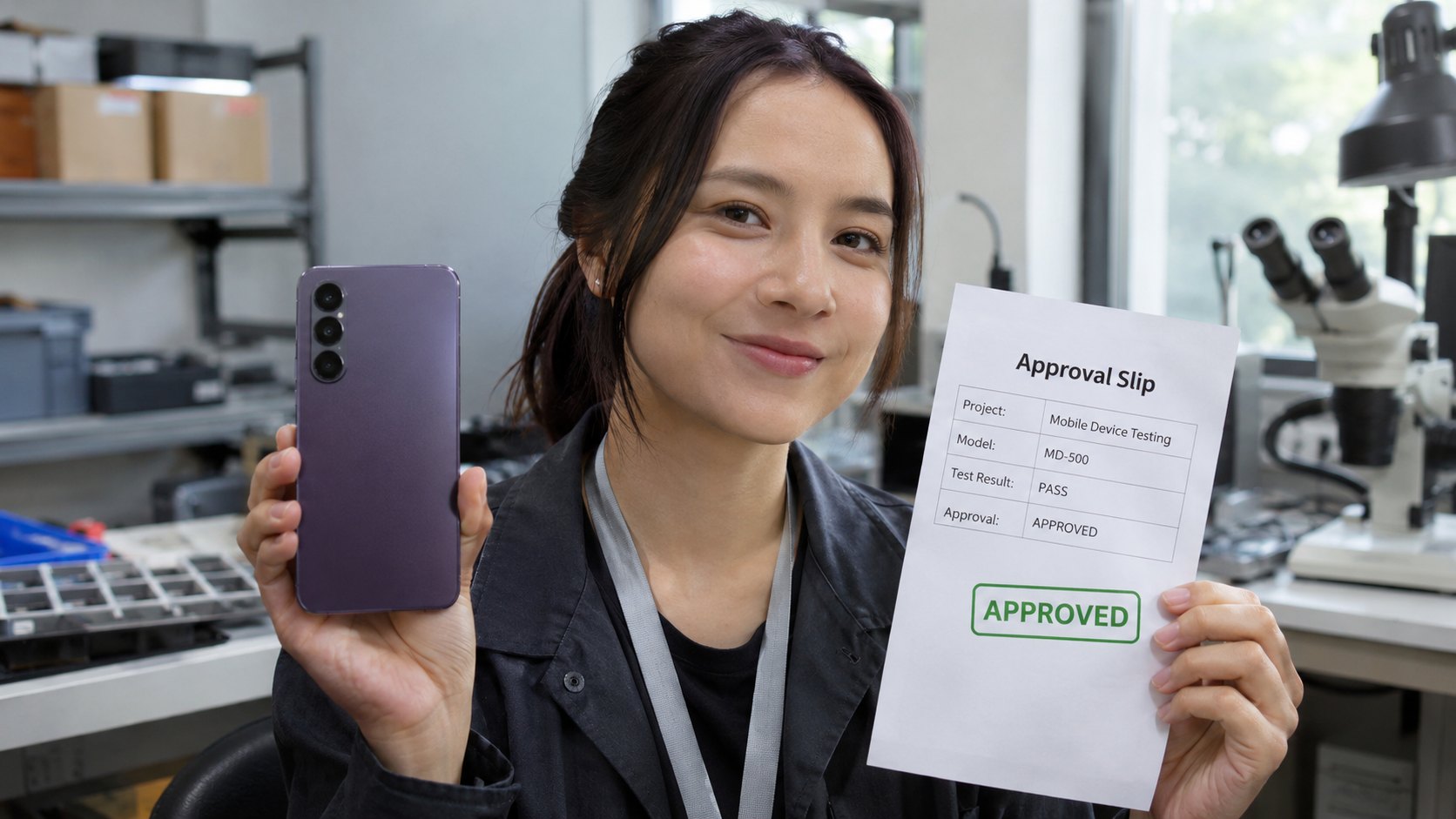
Put the shared decision on paper. The supervisor can accept a request, return it to the requester or leave it for later. Each decision requires a known role and creates an audit entry when the server accepts it. On a phone without printer access, the authorised person can still review the request and approve it. If a printer is supported, printing gets its own success and failure states. A sheet of paper helps maintenance staff start the work and does not determine whether the application has stored the approval. That difference affects the interface and its testing on both platforms.
Ask developers to map shared rules to platform entry points
Separate the approval policy, request validation and server communication from the code that opens a camera, invokes the system print flow or deals with a physical permission prompt. Keep a short example of what each boundary receives and returns. Test what happens when the device cannot do the requested action and present a fallback where business policy allows it. The Flutter documentation for platform channels describes one mechanism for connecting Dart and native code. This is a design option with responsibilities at both ends. Ask teams to demonstrate those ends using the same fixture rather than comparing sample code alone.
Compare platform choices against one signed-off fixture
Create a synthetic work request called MR-027 with an attached photo, a staff identifier, a workstation and a current approval status. Open the request with the same test account on the two target phones. Present equal business rules and inspectable outcomes. Ask each team to explain the code and the dependencies they chose while everything is still small. Then turn off network access between viewing and approving. Try rotating the phone during a system interaction. Have an authorised colleague use it with a screen reader. Record the differences that mattered to the action, who can reproduce them and the size of the work to support an extra device capability.
| Task | Shared acceptance result | Device evidence |
|---|---|---|
| Review and approve MR-027 | One accepted decision and a visible reference | Review and confirm with the screen reader in the expected order |
| Scan or type the equipment reference | Same accepted equipment identifier | Camera supported, denied and unavailable scenarios |
| Print an approved slip | Approval stays valid and printing reports its own result | Print interface with supported and missing printer |
Include the conditions from a real shift
Give an employee the phone while a request is being reassigned. They should see that the page refreshed, why a previous action may be stale and what they are allowed to do now. Include a pause while the employee follows a sign or carries equipment. During that time, a device can lock or return to another application. On return, the test should show what is restored from the local phone and what must be checked with the service. A framework comparison becomes more useful when it includes these sessions. Starting a fresh app and tapping a single button covers a small fraction of its normal work.
Make permissions part of the product design
The business rule for approving the request should be consistent across devices. System permission to use a camera is separate and may be declined. Design the moment around the job the supervisor wants to do. Explain that a camera can read the equipment identifier and include a manual input if the supervisor is authorised to use it. Show the fallback before making someone visit system settings. A device that has a broken camera, a restricted work profile or a policy against photography should still have a documented path to completing the eligible task. This question belongs in discovery with the business owner.
Some device capabilities require a platform-specific user interface. Ask the engineer to name the event that starts it and the outcome that comes back. If a function remains open in another application, the approval page may resume long after the original user initiated the action. Use a test with two requests. Open a print flow for the first, wait, then return after the second request becomes active. The resume behaviour should tie the outcome to the original approved item. Include cancellation and inactivity in the test. It helps distinguish a handoff failure from a business transaction error.
Review access to local files, photos and generated slips
Prepare a test in which an approved user saves a copy of a slip on their work phone. Determine what is allowed on a personal phone if the organisation also supports one. Decide where the file can appear, how long the app needs its local copy and what happens after the account is signed out. Include a storage-full case or an interrupted save to learn whether the app can produce an accurate status. A print or export button often looks like a small feature in designs. Reviewing file access with support and operations gives the team concrete limits for device-specific scenarios.
Share offline rules and account for the device lifecycle
Choose the operations an employee can start offline. Drafting a comment, viewing a recently cached request and applying an authoritative approval have different consequences. A local draft can remain pending for the user to review when the phone reconnects. A local photograph might need an explicit upload status. An offline approval decision should follow the policy agreed with the owner of the record. To evaluate the design, record server time, local action time and the exact reason a queued change succeeded or failed. The support team can use that information when a supervisor reports that their phone showed a result which a colleague could not see.
Run the work on a test account where a desk supervisor also has access. Turn off the first device, reassign the item on the desk and restore the phone. The phone should make clear why a previous draft cannot commit against the old assignment. Provide a response that lets the user return to current work without rebuilding everything unnecessarily. If a conflicting action is allowed according to the workflow, record how the system resolved it and which record establishes the final answer. Ensure a reinstated network does not cause the same action to be submitted twice from one device.
Use a deliberately small set of synchronisation states
Let an operator distinguish a draft from an in-progress upload, an accepted action and a case that needs review. Use a label for each state visible in the context where the worker encounters it. Product may need additional states internally. The interface should give the employee enough context to continue without requiring them to decode the reason from a machine label. For instance, an authorisation that expired after an account lost access should send the employee to seek approval through the normal process. A transient network loss may need a simple retry after connection returns.
Use employee tasks to choose local storage and refresh requirements. If a supervisor regularly reviews a roster in a low-coverage area, name how long the app can safely use its last data and what it must mark as stale. Keep a separate policy for actions which require current authority. Try a device with very little available space and test a long attachment on an unstable connection. A test that only fills a form online will miss which content can be retained and what operational support is necessary after an interruption.
Make accessibility part of the device comparison
Prepare one sequence that starts on the request list, locates MR-027, reads its status, enters an equipment identifier and confirms an eligible action. Have someone perform it using a screen reader on each supported platform. Listen for what the app announces after navigating to a new screen, after an error and after the approval result arrives. The React Native accessibility documentation describes accessibility properties and platform differences that matter when turning a design into a usable native interface. A usable sequence depends on the application implementing its own labels, roles, focus and feedback.
Use enlarged system text and a compact device. Watch that the employee can still reach actions, understand field errors, recognise confirmation context and read a data reference without losing its meaning. Include long localised strings in the fixtures if the organisation supports those languages. Where a platform's system dialog has a different reading order, check the transition back into the application. Test poor connectivity during the assistive technology exercise. The user should learn whether a decision was accepted or still pending through a status update they can access.
Make errors actionable in the same screen
When an identifier fails validation, explain which part of the task needs correction. Place the error where it can be discovered through the field and through any page summary you provide. Try the task using a hardware keyboard or alternative input method used by target workers. Choosing another device should not oblige the employee to change the business process. For a multi-step task, review where users land after system permission and how they can resume. Include the same test after backgrounding the application to check that an old focus position does not hide the next action.
Estimate platform-specific work by feature and dependency
Give each implementation candidate the same fixture, supported device list and release channels. Ask the team to note which screens, rules and tests it can share and what it must develop separately for the two platforms. Use layers that reflect communication and dependency rather than counting files. For the camera, estimate permission guidance, capture behaviour, expected failure and manual entry. For printing, estimate each target environment and the staff help needed. For a business rule, estimate tests for the common result and the time to wire it through both interface flows. Ask how the work changes if the company introduces another supported phone in the next device cycle.
Review third-party dependencies for the specific capability. Find who maintains the native bridge or build plugin, when its last relevant update appeared and how the team would recover if a platform update changes its behaviour. Check the agency's ability to reproduce the production build and make a small urgent correction. The developer should be able to explain how a build happens when the plugin fails to load. Include the manual or limited feature fallback from the pilot where the organisation can operate safely with it. Costs include business continuity and technical ownership after launch.
Compare device coverage using usage scenarios
Make a small matrix showing the operating systems and devices staff actually use, plus the capabilities that matter to this application. A camera task can rely on focus or exposure. A printer may appear through different connection methods. Older phones can have less memory for loading photographs. Test each relevant shape of failure rather than buying a device for every row on a spreadsheet. Name the person responsible for refreshing each row when operating system or company device policy changes. Keep an example of a supported device, a least capable supported device and a device intentionally excluded from the feature. Give support a way to identify those cases quickly.
Measure recovery and delivery using the matrix. For the maintenance fixture, note how rapidly the approval becomes visible from the desk and how an employee knows whether the slip reached the printer. Document what proves completion for the actual maintenance work. A printer may accept a job that was never retrieved. The app can state what it knows and leave the physical delivery action to the declared operator. The trial should record what the software can observe, what staff confirm and when they use a different method. These choices often influence the cost of the first working rollout.
Release the workflow while preserving accepted records
Pick a small group with two types of device and a named support contact. Establish the exact release version and a known test request. Teach staff what to capture in an incident without sharing work records in public channels. The pilot should include an authorisation change, a data change arriving from the server during a task and an interrupted photo or print. Record whether each issue was specific to a platform or shared across both. A successful pilot provides evidence that the business can support the difference. The aim is to make a real shift manageable enough to expand gradually.
Practise reducing the scope of the released feature. A configuration may permit scanning to be disabled on an affected platform while manual input stays open. An outage in printing can still allow supervisors to view accepted approvals and ask the office to provide the relevant slip. Review how each fallback affects audit and incident duration. Avoid mixing status records with controls used to suspend a device feature. A support colleague should still be able to answer which version accepted an approval, who sent it and whether the action reached its authoritative record.
Plan for mixed app versions during updates
Some employees update later than others. Use an example where a new version can ask a follow-up question and an older version can still view the request. Determine how the service acknowledges changes made by either. If an older client cannot understand a newly returned state, write the expected message and recovery path before changing the service. Use a safe test reset for the fixture. Then repeat the test with an interrupted upgrade. Check whether credentials, data access and cached records behave according to company policy after the update. The results belong in the release notes used by support.
Ask the engineer to reproduce the older release before handover. Capture a short list of the source version, platform build tools, configuration and who can verify distribution. Give access through the organisation's established account roles. Confirm that demonstrators can use test data when recreating an incident. When an app runs across multiple stores or distribution systems, a rollback or hotfix can involve different timing and review steps. Document who decides when to pause the second rollout and which features can stay available while the earlier client remains active.
Use a repeatable scorecard to choose what to share
Compare the prototypes against the same tasks. Give weight to business-rule consistency, platform accessibility, recovery, testability and release ownership. Ask each candidate for an example that passed and one where they found a limitation. Show how any limitation affects a real staff task. A team that can demonstrate the next step after a denied permission may be offering more useful evidence than one reporting a higher abstract percentage of shared code. A team using shared rules should still make clear where engineers can inspect native behaviour and reproduce different outcomes on the target devices.
For the printable slip, record whether both versions reach the same approved state and whether a device report accurately describes the print outcome. For offline work, list which staff actions remained possible, the data freshness shown and the result once connectivity returns. For accessibility, keep the exact phone settings and the expected announcements at each transition. For maintenance, request the ability to update the scanner or printer on one platform and ship a patch through the normal pipeline. Each judgement should link to a test artifact someone else can inspect. This avoids treating a prototype's preferred technology as the conclusion.
Write acceptance in the language of the job
A precise acceptance note might say that a supervisor with an assigned request can identify equipment using permitted manual entry, submit one decision and view its reference, even after a required detour into a system dialog. Additional notes can cover what appears when a printer is unavailable and how the user sees that printing is separate from approval. Write the statement for the person doing the work. Keep the supporting test matrix for engineers. This makes it possible for the team to revise its platform components without weakening the product outcome that staff have already accepted.
What to bring to a cross-platform mobile development brief
Bring one real task with business rules, two representative devices, the expected access and data model, a list of optional capabilities and one observed failure. Add a snapshot of workplace conditions such as network availability, device ownership and print or scanning arrangements. Use approved dummy data and a second person who can conduct the exercise. Ask the developer to show how the work stays consistent on both phones and how the implementation responds when an operating system feature fails. Plan the first delivery around the business outcome and the smallest set of native differences the organisation can maintain.
When the pilot concludes, save a concise description of the supported experience and a dated list of device-specific boundaries. Include one replayable script for the shared workflow plus the instructions needed to verify permissions, assistive technology and interrupted actions. Ask a colleague who did not build the prototype to run the exercise, compare their evidence and refine anything ambiguous. The next application screen can then build on a known device behaviour and an owned route to fix it. That preparation makes expansion easier than starting from an assumed platform promise.
Ask operations to add one overlooked shift or device situation before the build estimate is final. An engineer can then show whether the proposed architecture contains the issue within a feature or requires a system-wide change. If the issue must be deferred, record the supported fallback in language workers can use immediately. Include the check in the acceptance record so that the team revisits it when device policy or working conditions change.