
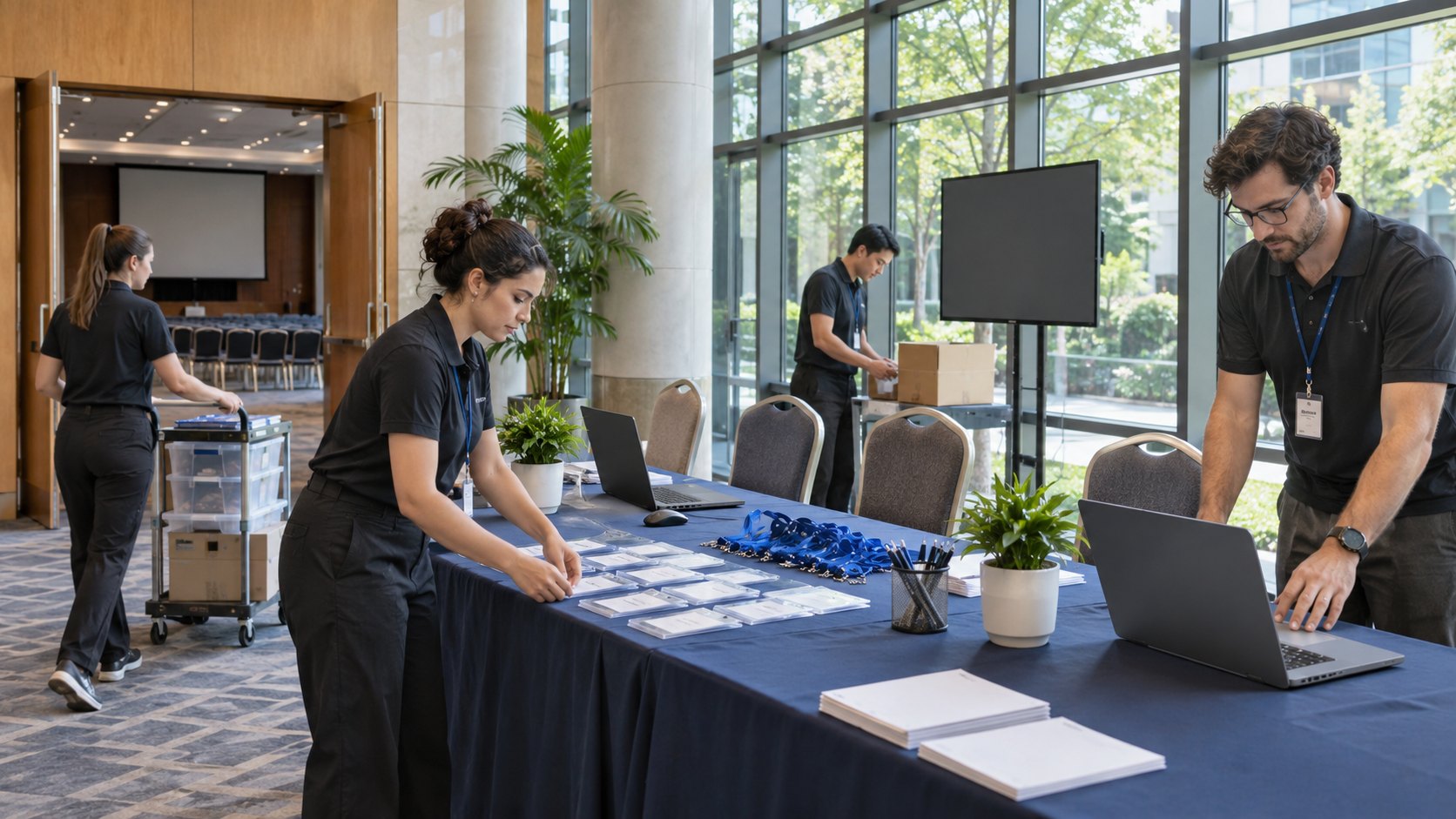
Give the event operations team a live run of show
Event management software can give venue teams a versioned plan for rooms, cues, handoffs and decisions during an event. Its value becomes clear when the published sequence stops matching the work on-site. A room can look open on an attendee timetable while an employee knows equipment is missing or a previous activity is overrunning. A technician may have acknowledged a message without resolving an issue. The system should let the leads communicate useful public updates while preserving what was observed, who authorized the change and which tasks remain open.
This guide uses Tidehall, a fictional venue holding a day of workshops. A delay in room turnover affects the start of the next session after an approved presentation accessory is unavailable. The operating choices and sample times are illustrative. The software helps staff coordinate ordinary decisions and escalate to venue leads. For real events, use the venue's authorized safety plans and communications channels for safety-critical actions. Consider an approved backup path for every essential handoff. A mobile task feed is not the sole procedure for responding to urgent conditions.
Model planned cues and live decisions as related records
Define a run of show the venue can keep current
Establish what each plan item means. A public workshop listing describes an attendee activity. An internal run-of-show cue tells a particular team to perform a specific action under agreed prerequisites. Room A may need accessible seating checks, approved presentation equipment and a venue lead's release before the next session can start. Some preparation is time-based and some depends on actual completion of earlier work. Record the owner, needed resource, location and planned window. Keep the schedule display understandable without trying to put every internal detail on an attendee screen.
Give each session an identity that remains stable if its timing moves. Use a revision for the accepted start, room or scope. Calendar feeds can carry a versioned communication, subject to their supported import behavior. The iCalendar specification, RFC 5545 defines concepts for representing calendar events and identifiers such as UID. It gives useful context for a shared agenda export. A calendar update is an information artifact, separate from an on-site acknowledgment or status. Verify how representative clients display revised timing and fallback text; use the authorized operations app for decisions requiring live visibility.
Choose who can approve each change. A room coordinator might be able to mark a preparation step complete. An event lead may authorize a schedule revision and public notice. A volunteer needs current instructions and a route to escalate without necessarily gaining access to draft decisions or private reports. Keep meaningful authorization in the server-backed workflow. If a team can draft a notice, show who can release it and whether the underlying decision remains valid. Define who can take the same action if the original lead is temporarily unavailable.
Track room readiness apart from a scheduled start
Write down each readiness prerequisite and how the event lead can see whether it was met. A room might be vacated, cleaned and prepared for speakers, while a setup item is still outstanding. The internal view can show the needed check, current owner and next coordination step. Public displays can use a conservative status such as “setup in progress.” Keep authoritative readiness evidence visible to the responsible staff. Do not equate the clock reaching the scheduled time with the start decision. Separate the room's continuing usability from the current session's accepted state.
Consider the operations handoff at the end of a session. A venue may need evidence that the audience left, that staff collected agreed equipment and that the right person can accept the next setup. These are related checklists with different witnesses. Test a handoff between two subdivisions of the same venue team, then test one between a staff member and an authorized contractor. Explicitly record how responsibility moves and who follows an unresolved item. An assignment notification alone cannot show that the destination team received or accepted the work.
For an example of managing overlapping event activities, the UK HSE guidance on managing an event discusses coordination, communication and monitoring across event phases. Use it to understand why approved people and procedures matter during active operations. The guide here focuses on general software features for timing and coordination. Real event safety decisions belong to qualified people following applicable plans. Do not make operational software a substitute for those plans or claim an ordinary event queue proves compliance.
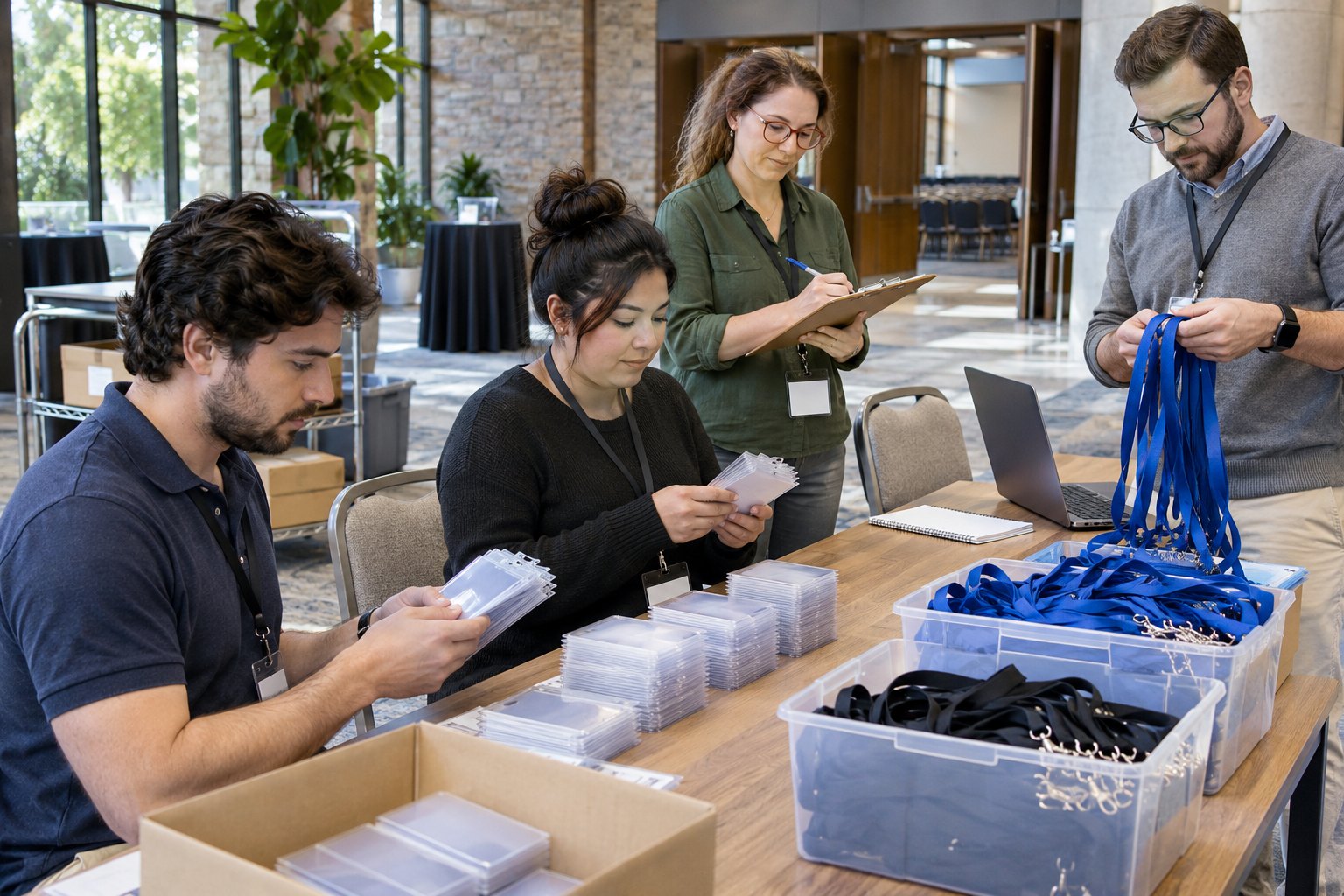
Rehearse the Tidehall workshop turnover
Record a real observation before proposing a schedule change
In the fictional exercise, the first Room B talk is scheduled to finish at 13:30. The room turnover owner has 25 minutes before the next session. A support employee discovers that a presentation accessory approved for the next workshop is unavailable. They record a nonemergency setup issue I-17 with the venue, linked session and relevant detail. The room lead acknowledges it and assigns an authorized technician to check an alternative. The event lead can see that start is at risk. Nobody needs to send an attendee-facing alert until there is a decision or approved interim update.
At 13:43 the technician identifies a supported replacement that takes several minutes to prepare. The room lead confirms the revised prerequisites and estimates whether the schedule can still be met. The event lead authorizes a ten-minute change after checking the effect on the following slot and other approved dependencies. The application creates revision two and retains the earlier schedule for staff who need to understand the change. It sends only the approved audience message and records the designated staff acknowledgement. It can separately report which interfaces have fetched the update.
At 14:03 the technician marks the equipment ready. The room lead confirms all relevant prerequisites and releases the room through the ordinary procedure. A steward can now use the current plan to direct visitors. The final exercise distinguishes the estimated delay, actual release and session start. I-17 remains available to approved reviewers. At the close of the workshop day, venue staff can compare planned and accepted timing and decide whether the checklist or backup equipment arrangement needs revision. Record ordinary issues separately from incidents managed under other response procedures.
| Observed change | Responsible role | Expected system state |
|---|---|---|
| Equipment is unavailable | Setup employee reports issue | Room checklist remains open and lead is alerted |
| Replacement proposed | Authorized technician | Pending review with an expected preparation step |
| Delay accepted | Event lead | New schedule revision and approved audience notice |
| Room released | Room lead | Room ready with accepted time and role evidence |
| Issue reviewed after session | Venue operations reviewer | Closure or accepted outstanding follow-up recorded |
Keep changing room assignments from becoming ambiguous
Try an alternate fixture where equipment recovery would take too long and the lead considers moving the session. The app shows a proposed replacement room and the bookings or dependencies it would affect. Use a confirmed change to publish the public location. Preserve the previous location, start time and latest accepted instructions. If a visitor follows an old schedule link, let them find the current authorized location and relevant assistance option. A steward with an earlier printed schedule may need a separate updated briefing through the venue's supported procedure.
Test two staff proposing changes at the same time. For example, one employee proposes transferring a later workshop into Room C while another expects the earlier session to move there. Identify the approved availability basis and applicable scope. A later proposal should not quietly invalidate someone else's accepted change. Give the decision owner a clear view of conflicts and components that must be rechecked. Preserve the accepted revision history. In a venue with tight schedules, a trustworthy pending or rejected message is more useful than a polished calendar that silently loses decisions.
Use messages and fallback channels people can understand
Separate reported, assigned, acknowledged and resolved
Create issue queues with owner, urgency category, observable context, related cue and next review time. A person can report what they saw without having authority to approve next actions. A lead can accept ownership and transfer work with documentation. A technician can report progress. The responsible role confirms closure. Keep those effects visible in the software. A staff member clicking “read” should not accidentally mark the task complete. Keep nonessential detail out of a narrow mobile queue and include a route to see the approved underlying record.
Design public updates for readability. A message should say what changed, what applies now and how a visitor can get help. If a web or mobile client displays status dynamically, review the W3C explanation of WCAG status messages for relevant accessibility behavior, including programs being able to detect certain updates without a focus change. Test announcements with assistive tools and ordinary visual controls. A quiet color change alone may not reach someone who needs directions, and an overly frequent announcement can interrupt them from reading the revised details.
Check that updates reach the intended people. A message successfully submitted for publication may not reach every client. Devices may show earlier content while offline or suspended. Keep an observable distinction between accepted publication, delivery or read acknowledgement where supported, and actual staff acceptance of the associated work. Provide staff with a practical supported fallback. For example, a duty lead can relay a confirmed schedule revision through the venue's agreed communication procedure and log that they did so. Digital evidence should help prove the sequence rather than imply every message was acted on.
Rehearse a temporary network or display interruption
Have a steward open the accepted schedule on a managed phone under the test profile. Simulate loss of connectivity and make one approved change from another device. The disconnected view shows its last verified schedule and that staff may need a current briefing. When the connection returns, retrieve the latest revision and highlight the affected sessions under the rules of the actual venue. A locally queued observation can remain marked pending until the server accepts it. A cached schedule cannot by itself authorize a room move or confirm an issue resolved elsewhere.
Check the transition after a large set of updates. The venue control desk might receive several observations about the same basic change, while one public display refresh happens much later. Record enough event identity to relate them. Avoid numerical totals that count the same accepted change twice by combining notification and schedule logs. When an operator chooses a newer decision, preserve the association to superseded work and historical reports. During debrief, the team should be able to see which public update followed the accepted plan rather than hunting through a random collection of timestamped messages.
Run a debrief without mixing operations and attendee records
Use review metrics that identify real process delays
Useful measures can include time from observation to ownership, time from approval to public publication, count of cues still unacknowledged at handoff and duration of unresolved ordinary operational issues. Measure from actual timestamps and document their meaning. If an employee sees a condition before they enter it, the recorded system time may be later than the observation. Preserve both where useful and authorized. Pair any trend with reviewed examples. One late notification in a small pilot might be more revealing than a percentage that treats all actions as equivalent.
Have the operations lead review the Tidehall incident at the end of the day. They can see the original room turnover target, the observed equipment issue, the proposed alternative, the accepted schedule revision and final readiness. The public attendee page does not need to display the internal equipment note. Keep sensitive records and ordinary visit data separate. Give the debrief the information necessary for process improvement without requiring exports of attendee identity or broad staff communications. Retain historical logs under the venue's approved policy with access for proper review and support.
Validate how information survives staff changes
Ask a reviewer who did not participate to find the plan using only ordinary permissions. They should understand why the workshop began late, which team accepted a change and what evidence supports closure. Try the same walkthrough when the original issue remains open for later follow-up. Test shift credentials separately from admin access. If reviewers must use a shared password or read private logs to learn what happened, the software hasn't made the business process reproducible. Describe any handoff requiring authorized support and record why that role is needed.
The venue can also compare repeated fixtures. One session begins according to the original plan. Another uses an accepted delay. A third should remain on hold while an assigned decision owner investigates an issue. Run them with realistic roles and devices. Retain which display and schedule export changes were observed. Agree when the operations console and public content are ready to be used under the actual event workflow. A good release proves the event team can make one correct operational decision and communicate it despite ordinary interruptions.
Give venue teams a practical acceptance exercise
Test a live show with two scheduling dependencies
Extend the sample to include Room A's planned walking tour briefing at 14:20 and a shared technician who was expected to move from Room B. An accepted delay in the workshop shifts a technician's availability. It does not automatically shift every planned cue. Show the affected dependency and let the lead decide what has to change. A venue can set the technician's handoff to wait until the replacement check is complete. The later briefing may run using a different verified arrangement. These are separate decisions with clean records rather than numbers added to an entire spreadsheet column.
Use actual elapsed times in the test. The original 13:30 close and 25-minute turnaround place the next session at 13:55 in the original plan. A ten-minute approved shift creates a target of 14:05. A recorded ready state at 14:03 remains useful as evidence that support finished before the revised start. The actual session start can be recorded as another event. A debrief can then distinguish the accepted schedule change from a readiness delay. Put these fields next to each other in the audit view so reviewers do not mistake publication time for the time the workshop actually started.
Test a cancellation or postponement under an authorized lead rather than encoding it as a missing agenda row. A public display needs appropriate wording that can be retrieved after the original event would have started. Staff need to determine what happens to tasks already assigned and identify work that remains necessary. Return equipment might need to be collected even after the session is no longer running. Record the reason where the user's role allows it and retain any follow-up work in its proper place. An item disappearing from the public agenda does not determine the internal case owner.
Practice communicating from a single approved revision
In the fictional simulation, one updated note appears on a venue screen, an attendee page and an authorized operations phone. Verify that each source presents the same accepted start and appropriate location. Use status messages that still make sense to someone who has not seen the previous notice. In cases where the displayed text changes, keep consistent time conventions and identify the venue. Someone reading a mirrored phone screen should be able to tell whether the 14:05 target is the expected start or the time a notice was issued. Test an abbreviated display for a small kiosk as well as the full site.
Rehearse out-of-date devices in the field. A volunteer opens an older briefing before power is available at a display. The app should show revision and freshness. Another employee may have an already downloaded public agenda that does not update automatically. Tell staff which communication route gives an authoritative current plan and how visitors can get approved help. The operation need not send a public clarification just because an internal integration retried and returned the same result. Check duplicate publication with the same message identifier so repeated transport does not generate confusion.
Pick an audience-visible measure that matters. For a venue with printed schedules, the delay between lead approval and suitable signs or notices can be more meaningful than email open rate. Record who confirms the approved communication has been posted, under what conditions and with what actual time. This is different from an individual's acknowledgment of a task. Review one ordinary delay without an immediate public effect and one change requiring broad visibility so staff get used to both. Building the tool around those use cases keeps it from issuing unhelpful messages on every checklist edit.
Approve a handover packet before the first live event
Give the event team a short map of responsible people, systems and backup channels. Tie it to the approved procedures and relevant content version. Record the supported browsers and mobile devices for the release, the setup roles and how to distinguish demo from an active event workspace. Select a small number of reference fixtures that staff can rehearse with invented equipment and rooms. Catch any test queue that could send an actual attendee announcement. Use clear test prefixes and limited access appropriate to the organization's release process.
Connect exception states to a documented handover route. A delayed equipment check can remain open when the next support shift arrives. The new owner should see the real assigned task, supported next action and pending deadline. If a user misclassifies the case, the authorized reviewer needs to correct the category without erasing the original observation. When an issue reaches closure, preserve a concise summary and link to the decision or approved corrective action. Staff can later compare recurring equipment faults without including names or private correspondence in reports that do not need them.
Readiness should reflect the real schedule environment. Try opening the operations view on a small screen under ordinary wireless conditions. Verify status retrieval, timeline orientation, readable references and keyboard or appropriate alternative interaction. Run a complete setup delay, followed by a normal start and a late-returning device. Capture one clear trace from first observation through final communication and closure. The project can then expand to more rooms or event types using evidence rather than adding administrative controls that the venue has never demonstrated in use.